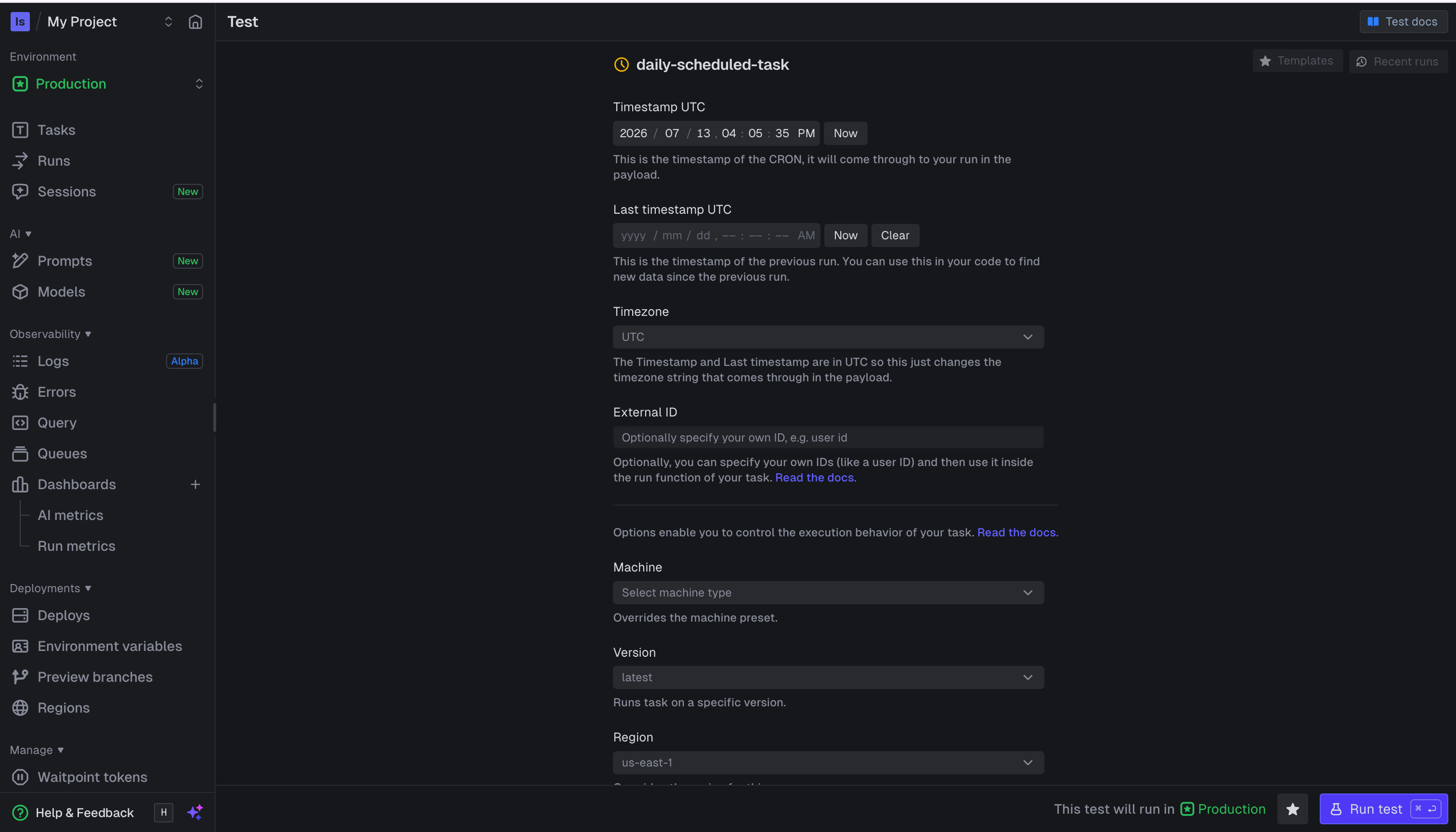
There is no longer a “Test” page in the sidebar. You test a task from the task itself: on the
Tasks page open a task (or use the “Test” action next to a task in the Runs list) and press the
“Test” button to open its test page.
- Enter the run’s input — a JSON payload and optional metadata. Scheduled tasks show timestamp fields instead of a payload.
- Configure run options like the machine size, version, queue, tags, retries, max duration, or a delay.
- Pre-populate the form from a previous run with Recent runs, or save and reuse a configuration with Templates.
- Press Run test to trigger the run.