

Overview
The Vercel AI SDK is a simple way to use AI models from many different providers, including OpenAI, Microsoft Azure, Google Generative AI, Anthropic, Amazon Bedrock, Groq, Perplexity and more. It provides a consistent interface to interact with the different AI models, so you can easily switch between them without needing to change your code.Generate text using OpenAI
This task shows how to use the Vercel AI SDK to generate text from a prompt with OpenAI.Task code
trigger/vercel-ai-sdk-openai.ts
Testing your task
To test this task in the dashboard, you can use the following payload:Learn more about Next.js and Trigger.dev
Walk-through guides from development to deployment
Next.js - setup guide
Learn how to setup Trigger.dev with Next.js, using either the pages or app router.
Next.js - triggering tasks using webhooks
Learn how to create a webhook handler for incoming webhooks in a Next.js app, and trigger a task from it.
Task examples
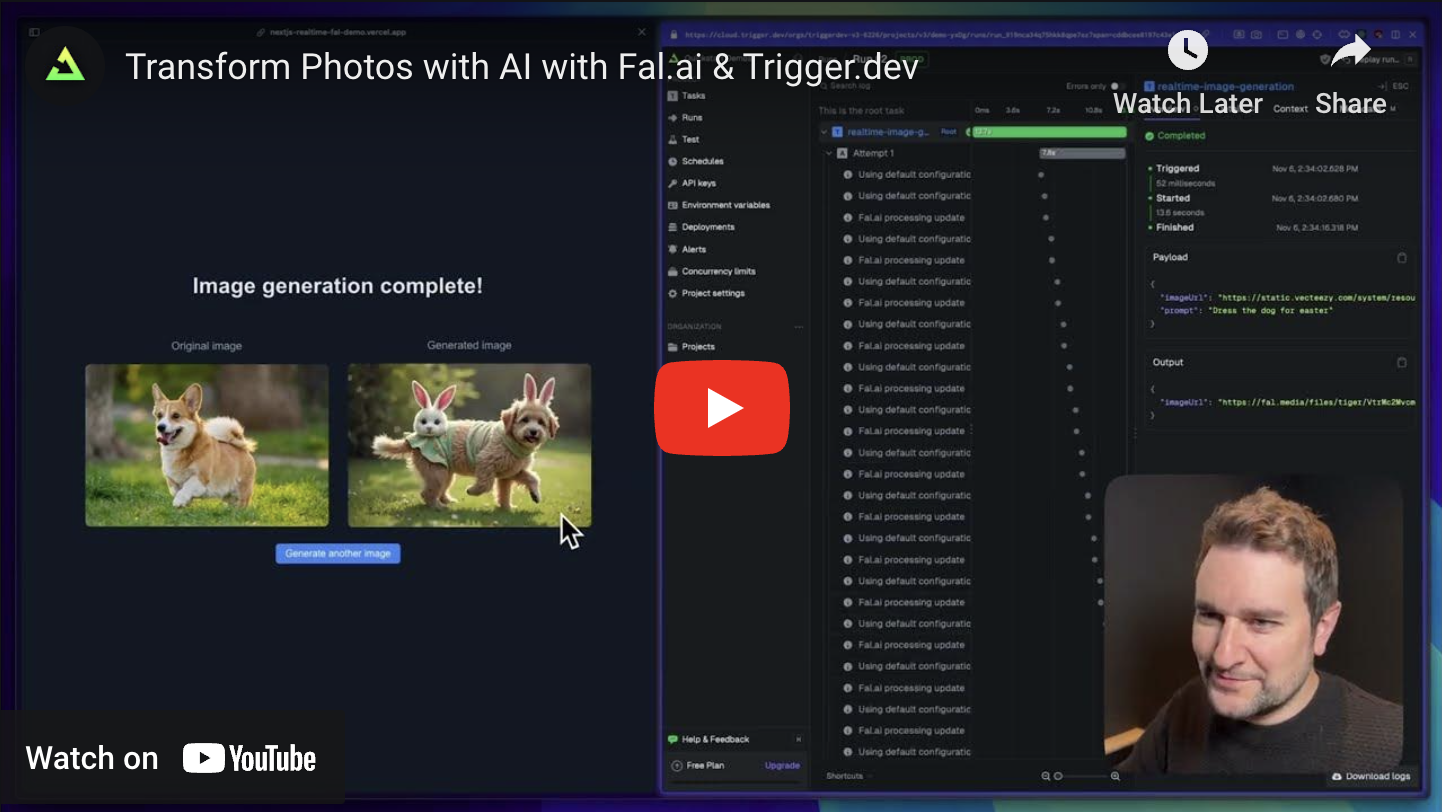
Fal.ai with Realtime in Next.js
Generate an image from a prompt using Fal.ai and Trigger.dev Realtime.
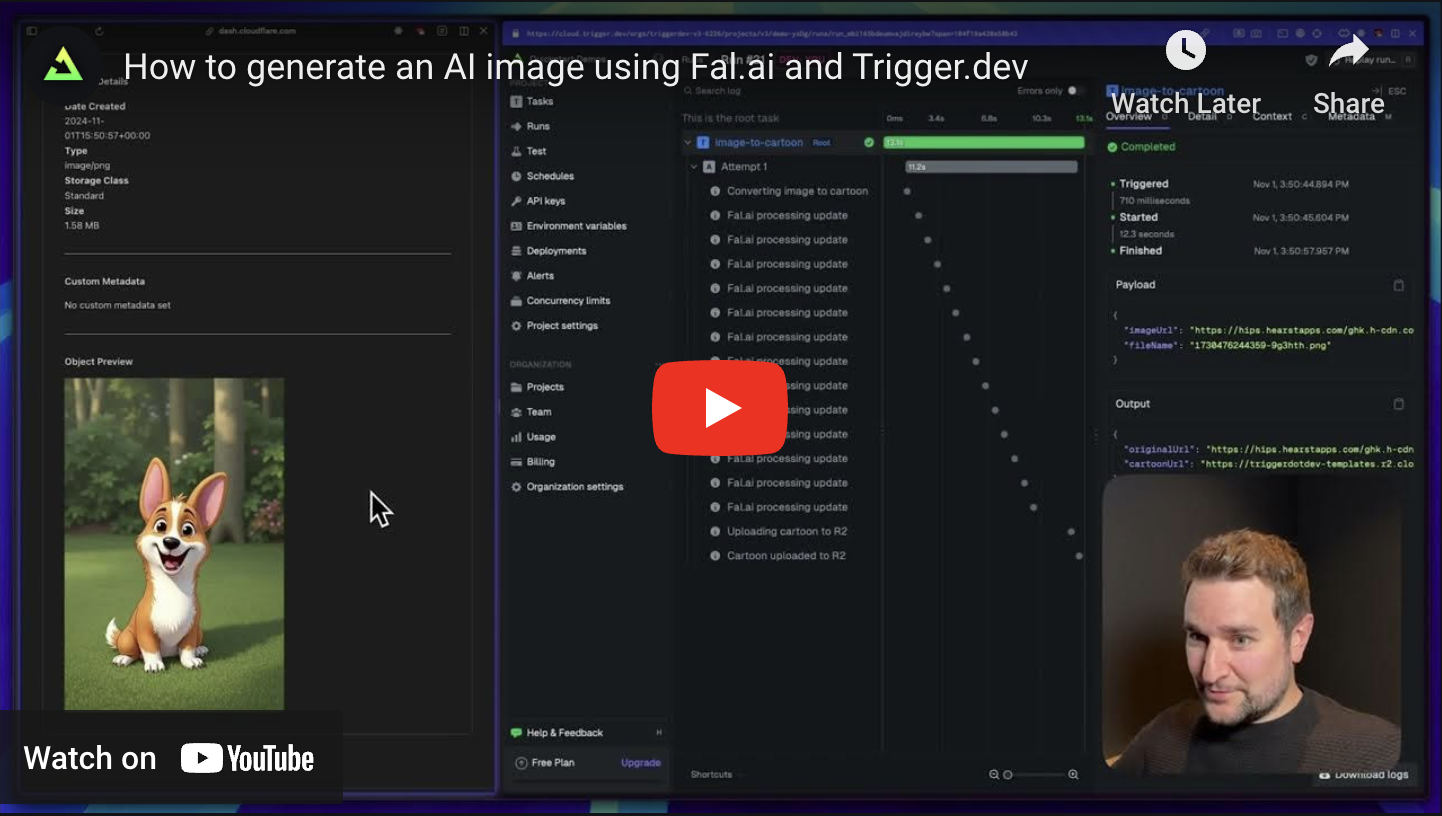
Generate a cartoon using Fal.ai in Next.js
Convert an image to a cartoon using Fal.ai.
Vercel sync environment variables
Learn how to automatically sync environment variables from your Vercel projects to Trigger.dev.
Vercel AI SDK
Learn how to use the Vercel AI SDK, which is a simple way to use AI models from different
providers, including OpenAI, Anthropic, Amazon Bedrock, Groq, Perplexity etc.